 Bookmarks Manager
Bookmarks Manager for Chrome
Import your Chrome bookmarks in two minutes. Search them from any device, pin the ones you live in, and see them on every new tab.
No credit card · 300-bookmark working set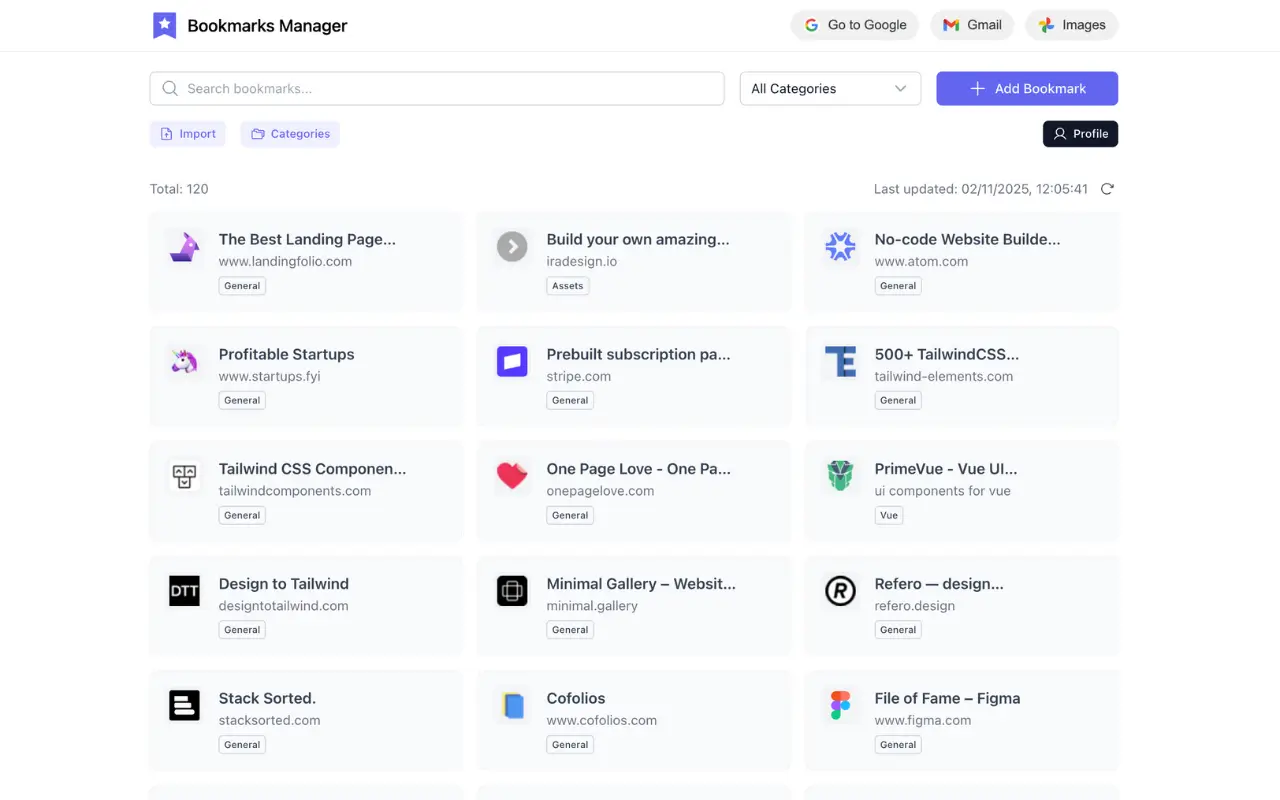
Most saved links are never opened again.
You save something meaning to come back to it. Then you don't. It sits in a folder until you forget it's there - and the next thing you save does the same.
Find any bookmark in seconds.
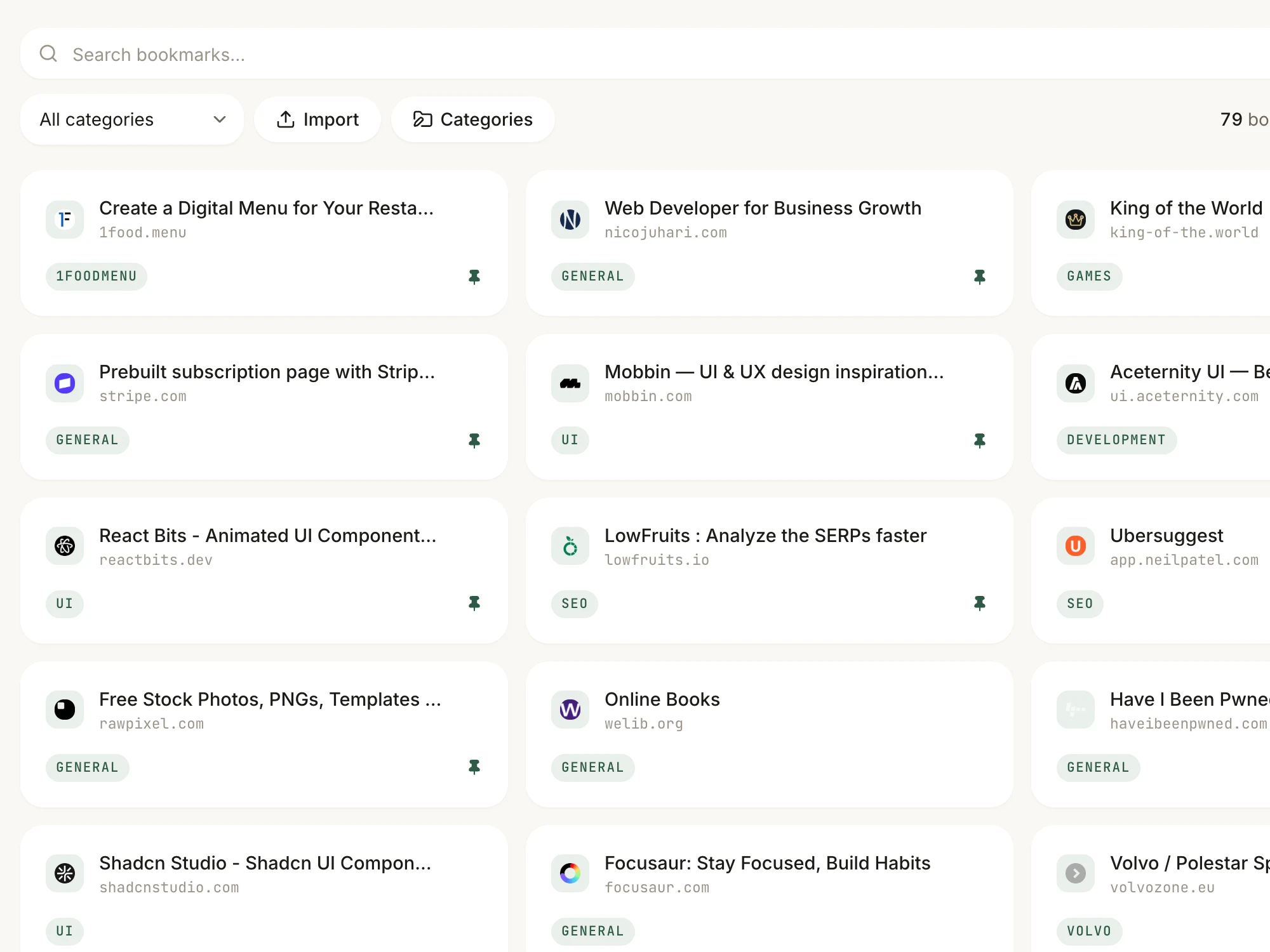
Search title, URL, or your own description. No folders to dig through - type a few letters and it's there.
- Refactoring UI - spacing rulesrefactoringui.comDesign
- UI patterns for empty statesemptystat.esDesign
- Tax deadlines 2026 checklistrevenue.govAdmin
- Swim club lane schedulecitypool.orgLife
Your most-used links, always on top.
Pin what you're using this week. It stays at the top of the library until you unpin it - everything else stays out of the way.
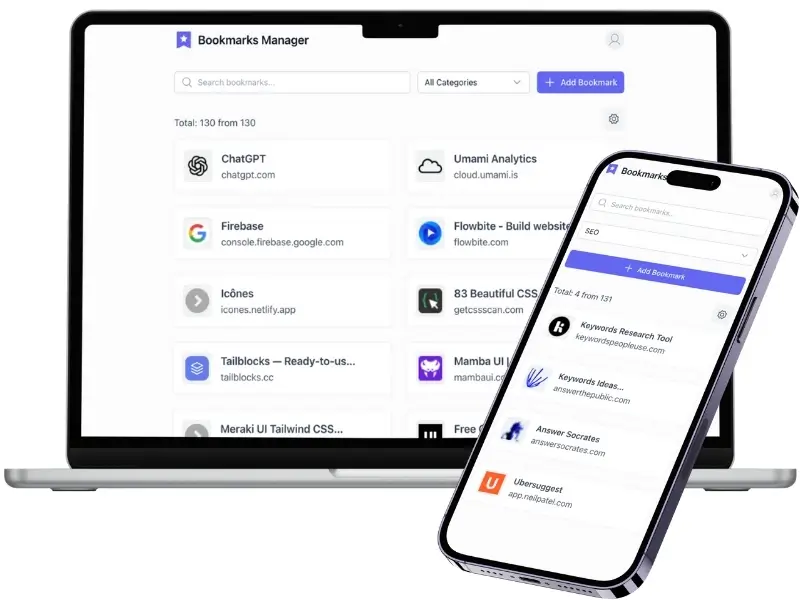
The same library on every device.
Save on your laptop, open it on your phone. The web app runs in any browser - nothing to install, nothing to sync yourself.
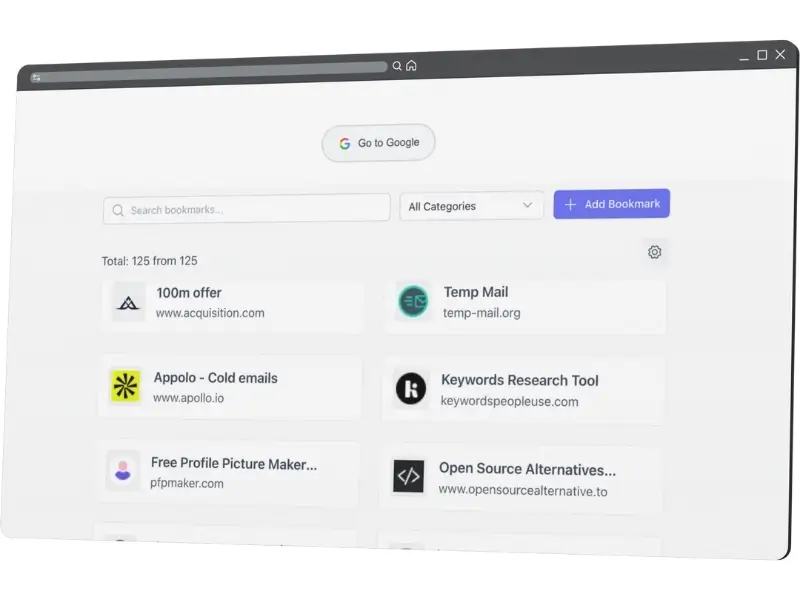
Every new tab shows what you saved.
The extension replaces the blank new tab with your pinned links - in front of you dozens of times a day instead of buried in a menu.
Install for ChromeUp and running in minutes.
Three steps, one Chrome export file, no migration project.
Create your account
Free, no credit card. About thirty seconds.
Pin your best links
Pinned bookmarks show up on every new Chrome tab.
Better than the bookmarks you're already ignoring.
Search, sync, and a new tab that earns its keep.
Questions, answered.
Still curious? The blog goes deeper on organizing a library you'll actually use.
Completely. No credit card, no trial window. Create an account and start organizing.
Yes. Export from Chrome as an HTML file, upload it, then map each folder to a category. Titles and URLs come across ready to reorganize.
On purpose. Past a few hundred links a library stops being something you search and starts being something you scroll past. 300 is enough for a real working set and small enough to stay one.
The web app works on phone, tablet, or any browser. The Chrome extension is desktop-only, but your full library is always online.
This one is built for retrieval - finding what you saved, fast. Categories, pinning, and a new tab that puts your active links in front of you every day.
Export anytime as a standard Netscape HTML file - the same format Chrome uses. Your data is never locked in.
From the blog
View all posts →Stop losing links you meant to use.
Import your Chrome export, pin your best links, open a new tab.
Get started freeFree · No credit card · Import from Chrome HTML